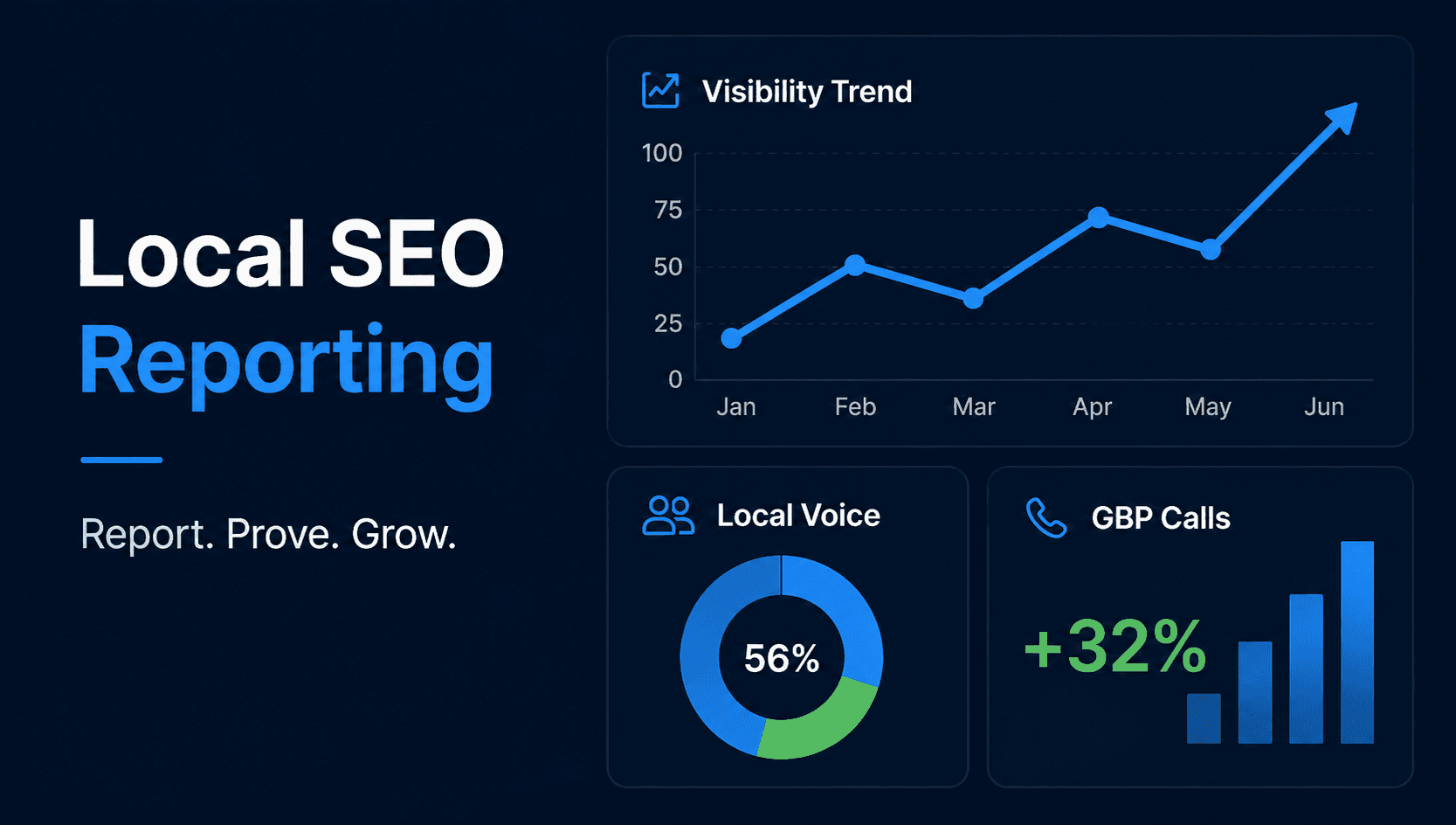
Local SEO reports often contain dozens of graphs but fail to answer the one question clients actually care about:
“Is this helping my business?”
Rankings matter, but reporting only keyword positions can turn a sophisticated local campaign into a vanity-metric exercise.
A useful local SEO report should connect visibility → customer action → business outcome.
Start With Business Outcomes
Where data is available, begin with:
- Qualified leads
- Phone calls
- Appointments
- Bookings
- Store visits
- Revenue
- Form submissions
These are the metrics executives ultimately care about.
Google Business Profile Actions
Monitor metrics such as:
- Calls
- Website clicks
- Direction requests
- Profile views
- Search queries
Trend these over time rather than showing isolated monthly totals.
Map Visibility
Avoid reporting one Google Maps position.
Instead, show a geo-grid.
A visual heatmap instantly tells a client:
Green areas = strong visibility.
Yellow = competitive.
Red = weak or absent.
For SeoNexus users, AGR, ATGR and Share of Local Voice can summarize this geographic performance.
Reviews and Reputation
Report:
- New reviews
- Average rating
- Review recency
- Response rate
- Negative-review themes
- Positive-review themes
Do not simply celebrate review quantity.
Google Business Profile Health
Show profile improvements completed during the period.
For example:
- Missing categories corrected
- Services added
- Holiday hours updated
- Photos refreshed
- Incorrect information fixed
- Review backlog cleared
Local Organic Visibility
Report website performance for important location and service pages:
- Local organic clicks
- Impressions
- Conversions
- Top landing pages
- Search queries
- Links earned
- Technical issues resolved
Competitor Movement
Report meaningful competitive changes:
- New top-three entrants
- Competitor Share of Local Voice
- Review growth
- Category differences
- Geographic expansion
Explain What Happened
The most useful section of any report is not the charts.
It is the analysis.
A strong report explains what changed, why it changed and what should happen next.
Report What Comes Next
Every report should end with priorities for the next period.
A good local SEO report answers four questions:
What changed?
Why did it change?
Did it affect customers or revenue?
What are we doing next?
When agencies report local SEO this way, the report stops being evidence that work happened.
It becomes evidence that the agency understands the client's local market.
Assembling the Report
The reason most agency reports default to keyword positions is that positions are the easiest thing to export. Everything in this article is more useful and more work to collect.
SeoNexus was built to make the useful version the easy one. GBP performance insights pulls calls, website clicks, direction requests, views and top search queries from Google nightly, trends them, and exports on a schedule as white-label PDF or CSV. Geo-grid rank tracking supplies the heatmap plus AGR, ATGR and SoLV, with historical grids for before-and-after slides. Local competitor tracking covers competitor movement and new top-three entrants, and review insights covers the reputation section including negative-review themes.
That leaves you writing the analysis — the section clients actually pay for.
If you want to see the report shape for a prospect before pitching them, the free local check produces a grid and profile grade in about 20 seconds, no account required.