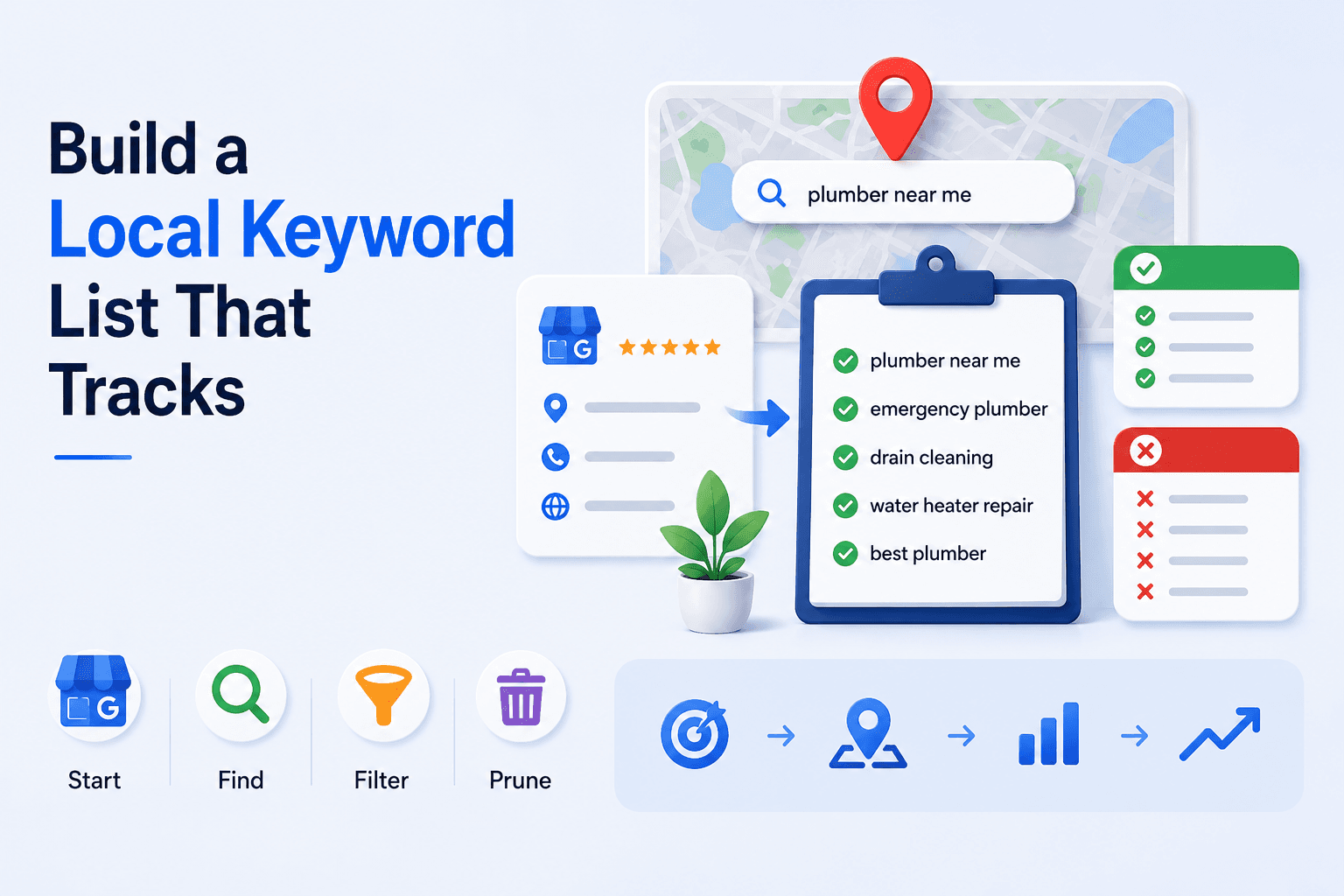
Most local keyword lists have two problems at once: they're far too long, and a large share of the terms on them can't be improved by anything the business is actually doing.
Both come from importing a keyword tool's output and calling it research. A national volume estimate for "plumber" tells you nothing about whether a plumber in your city can rank for it, and it certainly doesn't tell you whether that query even shows a map pack.
A local keyword list is a shorter, more opinionated document than a national one. Here's how to build one.
Start with the profile, not the tool
Your Google Business Profile already contains a description of the business written for exactly this purpose: the primary category, the secondary categories, and the services list. Those are the terms Google has been told the business is relevant for.
Start there. Every primary service is a candidate keyword. So is the category itself. If a service is genuinely offered and isn't on the list, that's a gap in the profile before it's a gap in the keyword list — go fix the profile first.
Then add the two sources a tool can't give you:
What customers say on the phone. Not what they type — what they call the problem. "Boiler won't fire" and "no hot water" are the same job and neither is the industry term for it.
What actually produces revenue. A term with a tenth of the volume and three times the margin belongs above the head term.
The three buckets
A workable list has three kinds of term, and they need different treatment.
Core service terms. “emergency plumber”, “root canal”, “commercial hvac repair”. High commercial intent, almost always trigger a map pack, and worth tracking geographically. This is where most of your tracking budget belongs.
Modified terms. The same services plus urgency, price, audience, or qualifier: “24 hour”, “same day”, “affordable”, “pediatric”, “mobile”. These convert well and are usually less contested. Worth tracking a handful.
Brand terms. Your own name, plus common misspellings. Low volume, but if you lose visibility on your own name — a competitor bidding on it, a duplicate listing, a suspension — you want to find out from a tracker rather than from a customer. Informational terms — “how much does a root canal cost”, “signs you need a new roof” — are worth writing content for, but they're a website measurement, not a map pack one. Keep them out of the local tracking list, or you'll be reporting on positions your GBP work has no way to influence.
The filter that matters most: does it trigger a map pack?
This is the step almost everyone skips, and it's the one that decides whether your rank tracking means anything.
Google shows a map pack for some queries and not others, and the pattern is about intent rather than wording. “dentist near me” almost always shows one. “best toothpaste for sensitive teeth” almost never does. In between sit terms that show one in some cities and not others.
If a keyword doesn't trigger a map pack, then categories, reviews, profile completeness, and proximity are all irrelevant to it. It's an organic keyword that happens to mention a place, and it should be tracked and reported as one.
Check the terms you're considering by searching them in an incognito window from the relevant area. Terms with no pack come off the local list.
"Near me" is a modifier, not a keyword
Tracking “plumber near me” as a distinct keyword makes sense, but not for the reason people usually think. "Near me" isn't a phrase Google matches — it's a signal to weight proximity heavily, which it already does for local intent.
Which means the results for “plumber near me” are, in practice, a function of where the search came from. That's not a reason to skip it: it's the clearest possible argument for measuring it across a grid of locations rather than from one point, because a single "near me" position is a statement about one address and nothing else.
City, ZIP, or neighbourhood?
“dentist chicago”, “dentist 60601”, and “dentist lincoln park” are three different keywords with three different result sets, and the one worth tracking depends on how your customers search.
Broad city terms are the most contested and usually the least representative of your real catchment. Neighbourhood terms are less contested, closer to how people actually search for nearby services, and often more useful for a business with one location. ZIP-code terms are worth tracking mostly in areas where people genuinely use ZIPs conversationally.
For a business with a defined service area, the honest version is usually: a few core terms tracked across a grid, plus a small number of neighbourhood-qualified terms for the areas you actually want to win.
How many keywords is right
Fewer than you think. Somewhere between five and fifteen per location covers most single-location businesses, and the shape matters more than the count: mostly core service terms, a few modified ones, your brand, and nothing that doesn't trigger a pack.
Two hundred keywords per location doesn't produce more insight. It produces a report nobody reads, and it hides the movement that matters inside an average.
The list should also shrink over time. Prune anything that has sat unmoved for six months, that has no map pack, or that you'd never actually act on if it dropped.
Keeping the list current
Categories change, services get added, and the terms customers use drift with the season — “ac repair” and “furnace repair” are the same business six months apart.
Local keyword tracking in SeoNexus builds the starting list from your profile's categories, services, and description rather than from a blank spreadsheet, flags which of your keywords actually trigger a map pack, and tracks map pack and organic positions side by side so the distinction stays visible in reporting. Geo-grid rank tracking then takes the core terms and measures them across your service area instead of from a single point, and GBP performance insights shows the queries Google says are already finding you — usually the fastest source of keywords nobody thought to add.
If you want a starting list without setting anything up, the free local check pulls candidate keywords from your profile and scans the core ones in about 20 seconds.