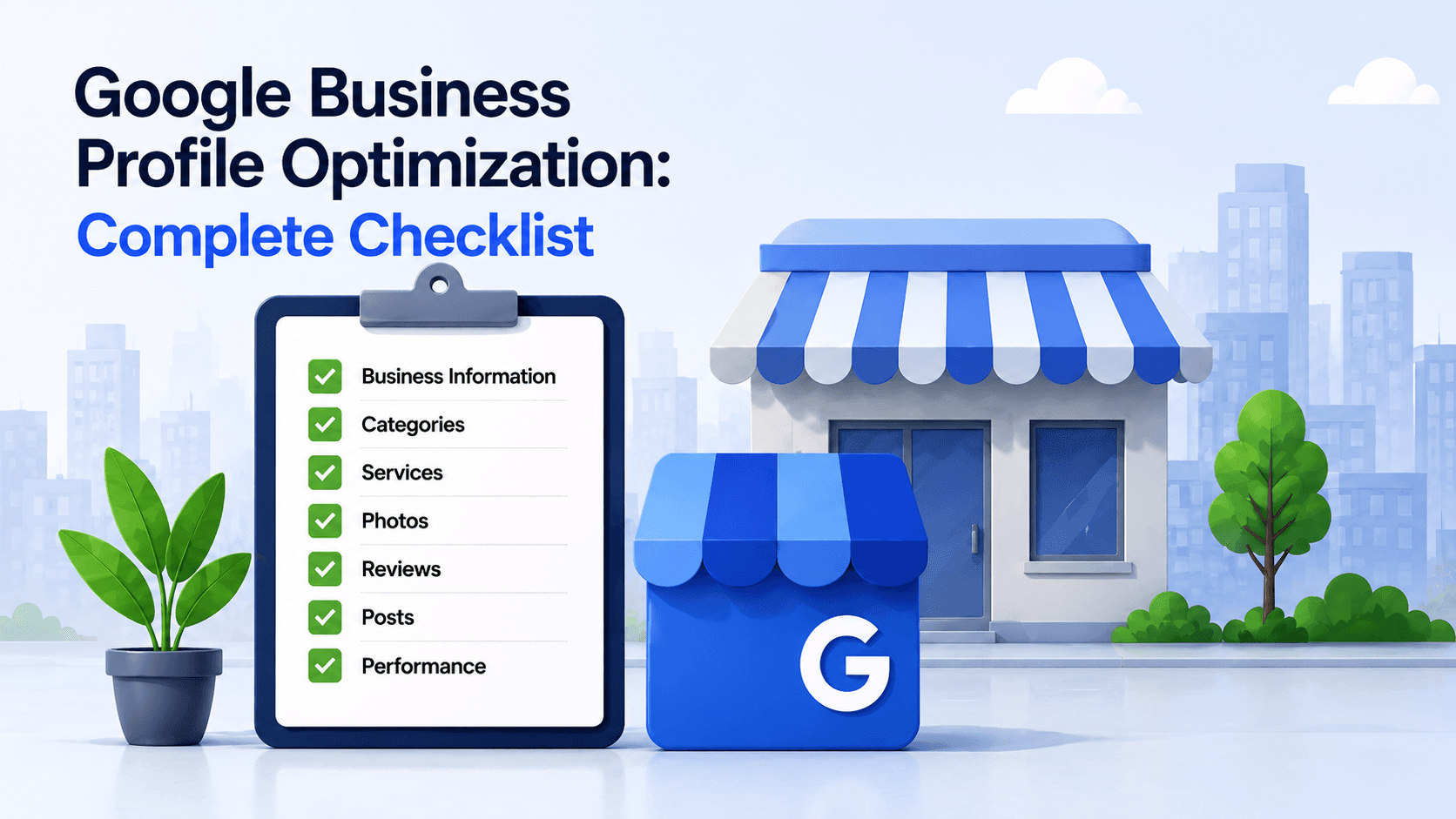
Your Google Business Profile is often the first interaction a potential customer has with your business.
Before visiting your website, a customer may already see your location, rating, opening hours, photos, phone number, services and directions directly within Google Search or Maps.
Optimizing that profile therefore affects both discovery and conversion.
Verify the Profile
Start by making sure the Business Profile is claimed and verified by an authorized representative.
Use Your Real Business Name
Enter the actual name used on your storefront, website, stationery and branding.
Do not add cities, services or marketing phrases simply because you want to rank for them. This is the leading cause of profile suspensions.
If staff do not meet customers at the address during business hours, hide it and run the profile as a service area business.
Choose the Right Primary Category
Your primary category should describe the main thing the business is, not every service it provides.
Add secondary categories only where they accurately describe genuine parts of the business.
Complete Core Business Information
Check:
- Address
- Map pin
- Phone number
- Website
- Opening hours
- Holiday or special hours
- Service areas
- Attributes
- Appointment links where applicable
Add Services and Products
Where supported, add the actual services or products customers can obtain from the business.
Avoid keyword stuffing or adding unrelated services purely for SEO.
Write a Useful Business Description
Explain:
Who you are, what you offer, who you serve and what differentiates the business.
Do not fill the description with repetitive location keywords.
Add High-Quality Photos
Upload genuine photos of:
The storefront, interior, products, services, staff where appropriate and important customer-facing areas.
Build a Sustainable Review Process
Ask genuine customers for feedback after real interactions.
Do not incentivize reviews or ask only happy customers to post publicly.
Respond professionally to both positive and negative reviews.
Audit Regularly
Check the profile regularly for:
Incorrect hours, unwanted edits, new reviews, missing services, outdated photos, category changes and inaccurate contact details.
For multi-location businesses, use a consistent audit process across every location.
A well-optimized Google Business Profile is not a one-time SEO project. It is an operational asset that needs to stay accurate, complete and useful to customers.
Keeping the Checklist From Going Stale
The hard part of this checklist is not doing it once. It's noticing three months later that Google merged a category, a user suggested an edit to your hours, or a service quietly disappeared.
GBP health audit in SeoNexus re-checks every field on this list on a schedule and tells you what changed since the last run, across one location or all of them. GBP posts & offers keeps the profile active without someone remembering to log in each week.
If you'd rather see where the profile stands before setting anything up, the free local check scores your profile completeness and shows what's missing — no account needed.