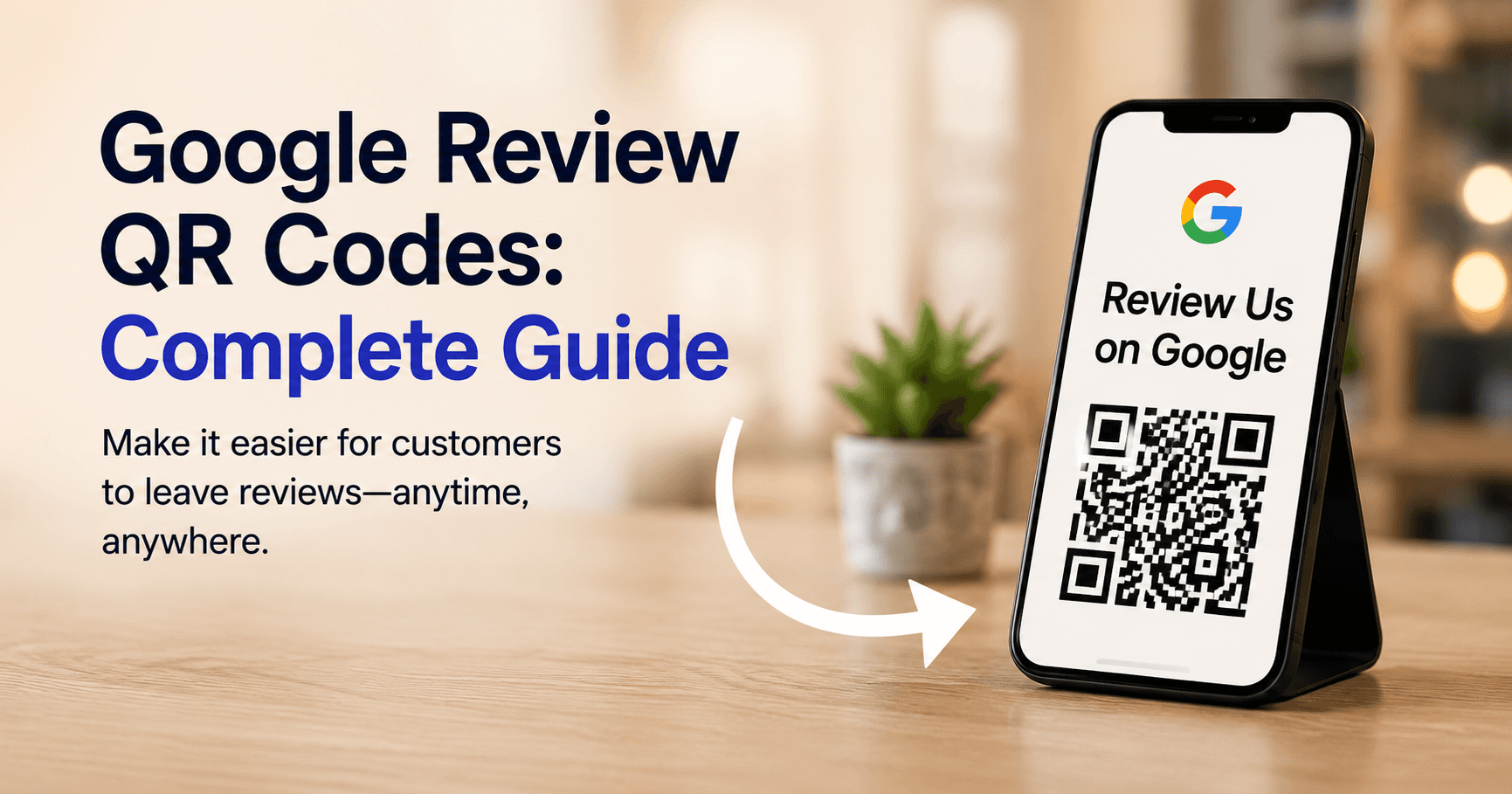
A Google Review QR code is one of the simplest ways to move an offline customer directly to your Google review flow.
Instead of telling someone to search for your business, find the correct listing and locate the review button, the customer scans a QR code and opens the review destination immediately.
How Google Review QR Codes Work
A QR code stores a link that a smartphone camera can open.
For review generation, that link points customers toward the business’s Google review experience.
How to Create One
From a desktop browser, access your Google Business Profile.
Open the review management area and select Get more reviews.
You can then copy the review link or save the QR code.
Where Should You Use Review QR Codes?
QR codes work best where customers have already completed a real experience with the business.
Useful placements include:
- Receipts
- Checkout counters
- Appointment cards
- Restaurant tables
- Hotel checkout materials
- Clinic reception desks
- Packaging
- Invoices
- Thank-you cards
- Service completion documents
Keep the Call to Action Neutral
The language around your QR code matters.
Good:
Tell us about your experience
or:
Share your feedback on Google
Riskier:
Give us five stars!
You want genuine customer feedback—not a predetermined rating.
Never Incentivize the Scan
Do not place messaging such as:
“Scan for 10% off after leaving a review.”
A QR code should simply make the reviewing process easier.
QR Codes for Multi-Location Businesses
A multi-location business should generate location-specific review links.
Do not send every customer to the corporate headquarters profile.
A customer visiting the Dallas branch should review Dallas.
Someone visiting Chicago should review Chicago.
Track Usage Carefully
A QR code can tell you whether customers scanned the link, but do not confuse scans with completed Google reviews.
Useful metrics include:
- QR scans
- Review-page visits
- New review volume
- Average rating
- Review recency
- Reviews by location
QR Codes Are About Reducing Friction
The underlying principle is simple.
Customers are much more likely to complete an action when that action is easy.
A Google Review QR code removes unnecessary steps between:
“I'd be happy to leave feedback”
and:
actually leaving the feedback.
Measuring Whether It Worked
Scans are a proxy. The number that matters is whether review volume and recency actually moved after the codes went out.
Review insights in SeoNexus trends new reviews, average rating and review recency per location, so a QR rollout at the Dallas branch can be evaluated against Dallas rather than a company-wide average. As the volume grows, review auto-reply drafts responses in your brand voice and leaves the sensitive ones for a human.
To get a baseline before you print anything, the free local check reports your current rating, review velocity and unreplied count without an account.